From idea to market-ready product, our NPI solutions make every stage easier, faster. Discover How We Help

Views: 222 Author: Tomorrow Publish Time: 2026-01-06 Origin: Site
Content Menu
● Introduction to CNC Machining
● Common G Codes and Their Functions
● How G Codes Work in CNC Programming
● Importance of G Codes in Manufacturing
● Writing and Modifying G Code Files
● G Code Simulation and Verification
● Integration of G Codes with M Codes
● Automation and the Future of G Codes
● FAQ
>> 1. What does G00 mean in CNC programming?
>> 2. What is the difference between G01 and G02?
>> 3. Are G-codes uniform across all CNC systems?
>> 4. Can G-codes be generated without CAD/CAM software?
>> 5. How do G-codes and M-codes complement each other?
Computer Numerical Control (CNC) machining is a revolutionary technology that has transformed modern manufacturing. It allows machines to automatically produce complex and precise parts with minimal human intervention. At the core of this automation lies G-code, the fundamental programming language that instructs machines on how to move, cut, and shape materials.
G-codes provide numerical instructions that define every aspect of machining—from tool movements to speed control. Understanding them is not only crucial for professional machinists but also valuable for engineers, students, and anyone working within advanced manufacturing environments.
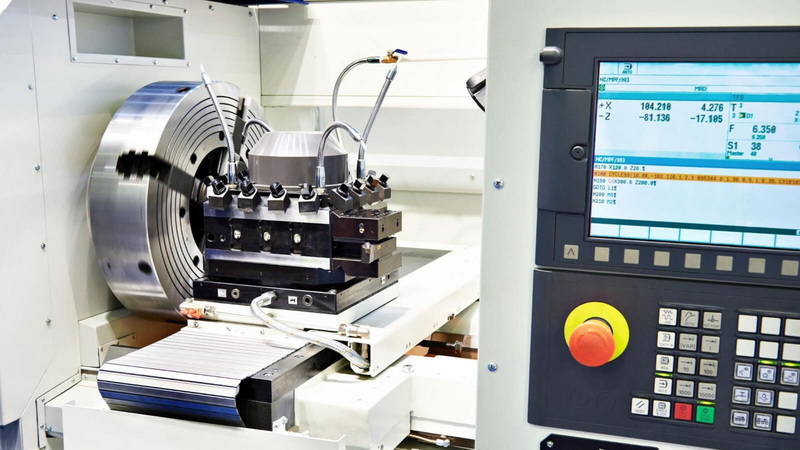
CNC machining is a subtractive manufacturing process that uses computerized controls to remove material from a solid workpiece. It contrasts with additive methods like 3D printing, which build components layer by layer. By reading pre-programmed geometric codes, CNC machines achieve exceptional accuracy and repeatability across various materials, including metals, plastics, and composites.
These machines convert design data from CAD (Computer-Aided Design) models into CAM (Computer-Aided Manufacturing) toolpaths. CAM software then translates these toolpaths into a sequence of G-code commands, which the machine interprets in real time. The machinist or operator then loads this G-code file into the controller to begin production.
The result is a process that bridges the digital and physical worlds, enabling flawless replication of complex shapes and minute tolerances.
G-codes—short for “geometric codes”—are instructions that dictate motion in CNC machining. Each G-code begins with the letter G, followed by a numeric value (for example, G01 or G43). These codes tell the CNC controller how to position the cutting tool relative to the workpiece, what path to follow, and how fast to travel.
When a CNC program runs, the controller interprets these codes line-by-line, converting them into electrical signals that move the machine's motors. In doing so, it controls each axis—X, Y, and Z—with micrometer-level precision.
G21 G17 G90
G00 X0 Y0 Z5
G01 Z-2 F100
G01 X50 Y0 F200
G02 X50 Y50 I0 J25
G00 Z10
M30
This short program:
1. Sets units to millimeters (G21) and absolute coordinates (G90).
2. Moves the tool rapidly to a safe height above the part (G00).
3. Cuts downward (G01) to a depth of 2 mm at a feed rate of 100.
4. Moves linearly and then performs a clockwise circular motion (G02).
5. Lifts the tool and ends the program (M30).
Even this simple snippet demonstrates how G-codes combine logical structure with geometric control.
G-codes can be grouped into several categories, depending on function:
- Motion commands: Handle all tool movements, including linear and circular paths (e.g., G00, G01, G02, G03).
- Plane selection: Determine which coordinate plane to use—XY, XZ, or YZ (G17, G18, G19).
- Coordinate systems: Assign and shift work coordinate systems (G54–G59).
- Feed and speed control: Define mode settings for feed (G94, G95) and spindle speed (G96, G97).
- Cutter compensation: Adjust the path to account for tool radius or offset (G41, G42).
- Cycle commands: Automate complex or repetitive drilling and tapping sequences (G81–G89).
Each group plays a specific role, and a combination of these commands enables the CNC machine to execute a full part from start to finish.
| G-Code | Function | Description |
|---|---|---|
| G00 | Rapid positioning | Moves the tool quickly to a point without cutting. |
| G01 | Linear interpolation | Moves in a straight line at a controlled speed. |
| G02 | Circular interpolation (CW) | Moves circularly in a clockwise path. |
| G03 | Circular interpolation (CCW) | Moves circularly in a counterclockwise path. |
| G17 | XY plane selection | Activates XY plane for circular movements. |
| G20 | Set units to inches | Programs in inches. |
| G21 | Set units to millimeters | Programs in metric. |
| G28 | Return home | Returns machine to reference position. |
| G40 | Cancel tool compensation | Ends radius or tool-offset corrections. |
| G43 | Tool length compensation | Adjusts for vertical tool length. |
| G54 | Work coordinate system 1 | Defines a zero point on the workpiece. |
| G81 | Drilling cycle | Automates vertical drilling operations. |
| G83 | Peck drilling cycle | Drills deep holes by incremental cutting. |
Understanding these codes enables operators to read and troubleshoot CNC programs efficiently.
CNC programs consist of *blocks of code* — each block representing one line of commands. Lines are executed sequentially, but modal codes (like G01 or G17) remain active until a new one replaces them. This system of continuity reduces redundancy and improves programming efficiency.
For example:
G01 X20 F150
X30
X40
Here, the machine continues linear cutting (G01) until another motion command is introduced. The feed rate of 150 is also maintained across all following lines.
Feed, speed, and position control occur dynamically. CNC controllers process these instructions thousands of times per second, ensuring smooth, high-precision tool movement.
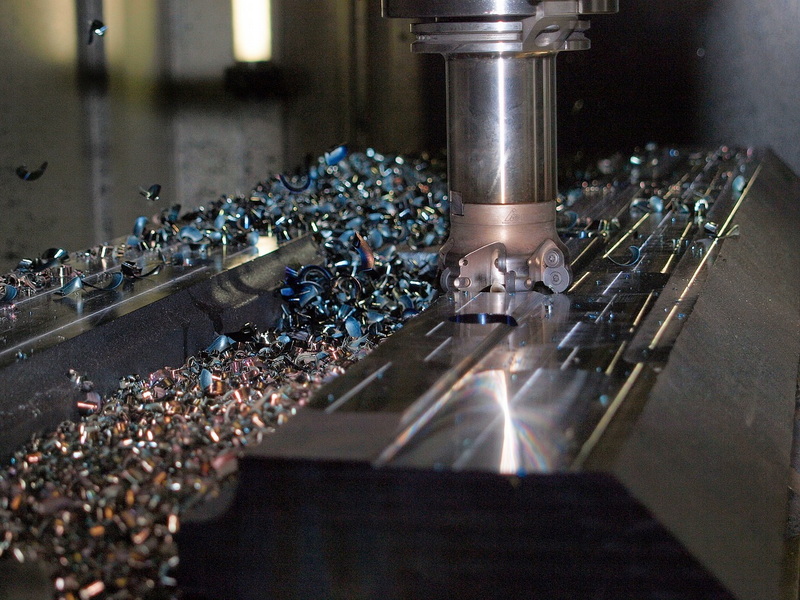
Modal G-codes remain in effect until explicitly canceled or replaced, whereas non-modal G-codes influence only one block. This distinction helps prevent motion and safety errors.
Example of modal groups:
- Motion (G00–G03)
- Plane selection (G17–G19)
- Units (G20–G21)
Example of non-modal codes:
- G04 (dwell)
- G53 (use machine coordinates just for that line)
By mastering these concepts, programmers can control tool motion with greater flexibility and predictability.
G-codes serve as the communication link between human design and machine behavior. Without them, even the most advanced CNC equipment cannot function. Their precision ensures manufacturability of parts used in aerospace, automotive, electronics, and medical industries.
Machine operators often analyze G-code to:
- Optimize cutting parameters for material type.
- Reduce tool wear through efficient motion planning.
- Identify potential collisions or overcuts before machining.
- Standardize setups between different machines.
Thus, mastering G-code shortens production time and enhances product consistency.
Although CAM software automatically generates G-code, many machinists prefer to fine-tune programs manually. Manual editing allows for:
- Simplifying code structure.
- Adjusting speeds, feeds, or tool offsets on the shop floor.
- Debugging CAM-generated errors.
- Creating custom macros or looping routines.
The typical G-code program structure includes:
1. Program header – Setup information such as unit selection and safety lines.
2. Tool selection and movement – Multiple G-code lines defining cutting paths.
3. Program termination – Reset of coordinates and stop command (e.g., M30).
Well-designed programs often include comments (denoted by parentheses) for human readability, such as:
(G01 cutting pass for slot)
As machining complexity has increased, G-code evolved to handle advanced features:
- Subprograms (M98/M99): Allow repeating a specific sequence multiple times.
- Parametric programming: Adds variables and conditional expressions (e.g., IF statements).
- Coordinate scaling (G51): Scales the entire part to a different size.
- Rotation (G68): Rotates the coordinate system for angled cuts.
- Cutter compensation (G41/G42): Adjusts for tool diameter offset.
- Adaptive feed control: Automatically adjusts feed based on load detection sensors.
These advanced techniques reduce human input and increase versatility.
Before running a CNC program on an actual machine, verification is critical. Simulation software visualizes the toolpath, checks for geometry errors, and measures cycle time. This reduces the risk of:
- Collisions.
- Over-travel beyond machine limits.
- Tool plunging too deep into material.
Modern CNC controllers include integrated simulation tools that render three-dimensional previews of the cutting process.
A wrongly placed decimal point or missing G-code could spell disaster in machining operations. Therefore:
- Always review code syntax and verify with dry runs.
- Apply correct modal codes before motion commands.
- Reference manufacturer-specific G-code lists.
- Make sure tool offsets and coordinate zeros are set correctly.
Following these best practices minimizes accidents and preserves both the machine and workpiece integrity.
While G-codes handle motion, M-codes manage machine-specific actions such as:
- Spindle on/off (M03, M05)
- Coolant control (M08, M09)
- Program end (M30)
- Tool change (M06)
When combined in the same block, they synchronize geometric movement with operational control. For instance, a line like:
G01 X100 Y0 F200 M08
moves the tool while simultaneously starting coolant flow.
This coordination is essential for continuous production cycles.
Although newer programming interfaces and AI-assisted machining systems are emerging, G-code remains fundamental. It provides an open standard understood universally by machines across different brands and generations.
The future likely includes:
- Parametric and adaptive coding, where programs adjust themselves based on sensor data.
- Cloud-based CNC control, enabling remote program execution and real-time condition monitoring.
- Automatic translation layers, converting high-level design intent directly into optimized G-code without manual programming.
Even as programming tools become more visual, knowing how to read and write raw G-code will remain an indispensable skill for machinists.
G-codes form the backbone of CNC machining. They allow machines to perform complex and precise operations consistently, translating digital designs into real components. By mastering G-code, engineers and machinists gain direct control over tool motions, production efficiency, and safety. Whether working with basic linear moves or advanced macro routines, G-codes ensure predictability, precision, and innovation across every manufacturing process.
As technology advances, the language of G-code remains not only foundational but also adaptable—continuing to power the evolution of automated manufacturing.
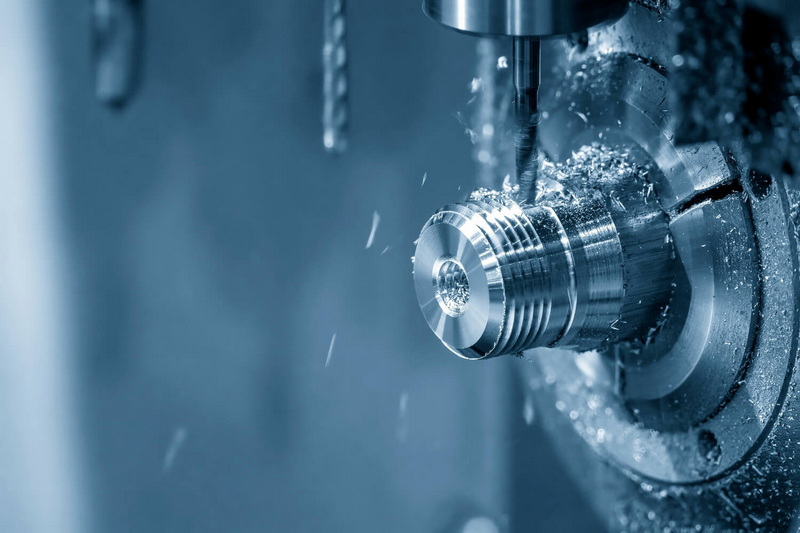
G00 represents rapid positioning. It tells the CNC machine to move quickly from one point to another without engaging the cutting tool, primarily used for non-cutting movements.
G01 defines a straight-line motion at a set feed rate, while G02 commands a circular motion in the clockwise direction. They serve different geometric motion purposes in machining.
Not entirely. Most machines follow the ISO 6983 standard, but variations exist depending on the manufacturer (Fanuc, Siemens, Haas, etc.). Checking each machine's manual is necessary for proper use.
Yes. Though CAM automates code creation, machinists can write G-codes manually using a text editor. Manual coding is often used for simple parts, testing, or educational purposes.
G-codes handle movement and geometry, while M-codes control machine functions such as spindle rotation, coolant flow, and tool changes. Both operate together to execute a complete program.


