From idea to market-ready product, our NPI solutions make every stage easier, faster. Discover How We Help

Views: 222 Author: Tomorrow Publish Time: 2025-12-17 Origin: Site
Content Menu
● Understanding the Importance of Printer Servicing
● Preparation Before Servicing
>> Step 1: Power Down and Cool Off
>> Step 2: Organize Your Workspace
>> Step 3: Assemble the Right Tools
>> Cleaning Fans, Frame, and Enclosure
● Mechanical Maintenance and Lubrication
>> Lubricating Guide Rods and Bearings
>> Belt and Pulley Adjustments
● Electrical System Inspection
>> Cable and Connector Examination
>> Mainboard, Drivers, and Fans
● Firmware and Software Maintenance
>> EEPROM Reset and Configuration
>> Slicer Settings Optimization
>> Bed Leveling
>> Extruder Steps Calibration (E-Steps)
>> XYZ Axis Motion Verification
● Hotend and Extruder Servicing
>> Disassembling and Inspecting the Hotend
● Temperature Regulation Components
>> Hotend Temperature Stability
● Troubleshooting Post-Service Issues
● Maintenance Frequency Guidelines
● Storage and Environmental Care
● FAQ
>> 1. How often should I service my 3D printer?
>> 2. What lubricant works best for linear rods?
>> 3. My nozzle clogs frequently. What should I do?
>> 4. Is it safe to clean inside the printer's power supply?
>> 5. How can I improve print adhesion after servicing?
Servicing your 3D printer is an essential practice that not only keeps the machine performing at its best but also helps prevent costly future breakdowns. Whether you are an enthusiast printing prototypes at home or an engineer running multiple printers in a production environment, maintenance directly impacts print quality, longevity, and reliability. Unlike traditional paper printers, 3D printers combine mechanical, thermal, and electrical systems — meaning small irregularities can quickly translate into mechanical faults or print errors.
This comprehensive guide walks through every aspect of 3D printer maintenance, including preparation, cleaning, lubrication, calibration, part inspection, electrical safety, and troubleshooting. By following these steps systematically, you will ensure your 3D printer works efficiently and consistently produces accurate prints for years to come.
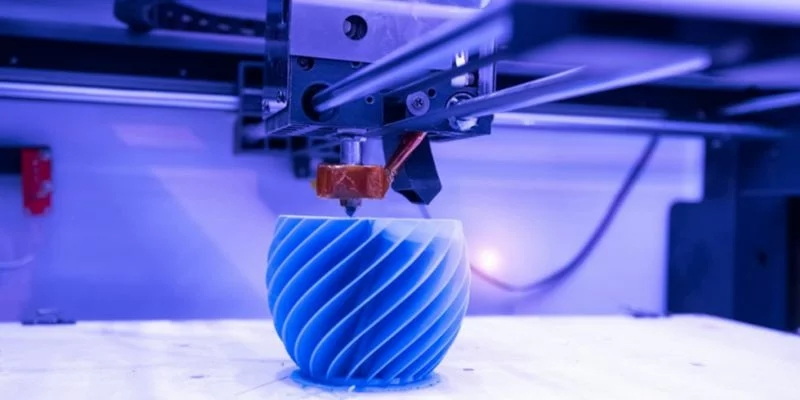
A 3D printer operates under repetitive, high-precision motions. Over time, moving parts accumulate friction, dust, and filament residue. Without proper care, bearings wear down, belts loosen, and the nozzle gets clogged with hardened filament. Ignoring these early signs can lead to distorted prints, poor adhesion, and machine failures.
Regular servicing prevents these issues and creates a stable printing environment. It ensures:
- Better print quality: Layer adhesion, smooth surfaces, and dimensionally accurate parts.
- Longer hardware lifespan: Reducing stress on motors, bearings, and belts.
- Less downtime: Detecting minor issues before they escalate.
- Improved safety: Clean electrical and thermal systems reduce the risk of overheating or short circuits.
Servicing doesn't need to be daunting — it's simply about developing a consistent maintenance routine.
Before starting, you must prepare both your workspace and tools properly. A systematic setup minimizes errors and ensures safety.
Always begin by turning off the printer and unplugging it. Never service a heated printer, as hotend and bed surfaces can reach temperatures over 200°C. Allow the components at least 10–15 minutes to cool completely.
A clutter-free workspace prevents accidents and misplaced screws. If possible, work on a large, clean desk with proper lighting. Using labeled trays or small containers for screws keeps parts organized during disassembly.
The most common maintenance tools include:
- Allen wrench set or hex keys
- Phillips and flathead screwdrivers
- Tweezers and needle-nose pliers
- Microfiber or lint-free cloths
- Soft-bristle brush or small vacuum
- High-purity isopropyl alcohol (IPA)
- Machine oil or PTFE-based lubricant
- Cleaning filament or nozzle needles
Ensure any replacement parts (nozzles, PTFE tubes, belts, etc.) match the specifications of your printer model.
Dust, filament particles, and environmental residue accumulate quickly on a printer operating in open air. Regular cleaning is fundamental to achieving high precision.
Over time, leftover filament can carbonize inside the nozzle, disrupting extrusion flow. To clean it:
1. Preheat the nozzle to filament melting temperature.
2. Use a small brass wire brush or cleaning needle to remove the external residue.
3. For internal clogging, insert cleaning filament and withdraw it several times to remove debris.
4. For severe blockages, remove and soak the nozzle in acetone or perform a “cold pull.”
Never use steel needles or push sharp metal objects into the nozzle, as this can deform it.
A clean bed ensures strong first-layer adhesion. Use a scraper to remove leftover prints, then wipe with isopropyl alcohol. For PEI, glass, or BuildTak surfaces, avoid abrasive pads. Regular cleaning removes oils from your hands and adhesive residue that cause uneven prints.
Fans regulate temperature within the printer. Dust buildup here reduces efficiency. Use compressed air or a small brush to clean fan grills, power supply vents, and frame corners. Lubricate hinges if you have an enclosed frame. Keep sensors and filament runout detectors free of debris to ensure they operate correctly.
The moving mechanical assemblies define the printer's accuracy. Proper lubrication and tension adjustments prevent layer misalignment.
Linear bearings and lead screws carry constant loads. Add a drop of light oil along rods and move the carriage back and forth to spread it evenly. For lead screws (used in Z-axes), apply lithium or PTFE grease sparingly. Excess lubricant traps dust, so wipe off visible residues.
Belts should be firm enough to transmit motor torque without slipping but flexible enough to move smoothly.
1. Check each axis for slack by gently plucking the belt — it should feel tight and sound slightly “musical.”
2. Adjust belt tensioners or idler screws as needed.
3. Inspect pulleys for proper alignment and locked set screws.
Misaligned belts cause layer shifting and step errors that ruin prints.
Vibrations gradually loosen screws and frame bolts. Once per quarter, check every major connection. Tighten evenly, starting from the bottom frame and working upward. Always follow the frame's assembly sequence as overtightening one section can distort alignment.
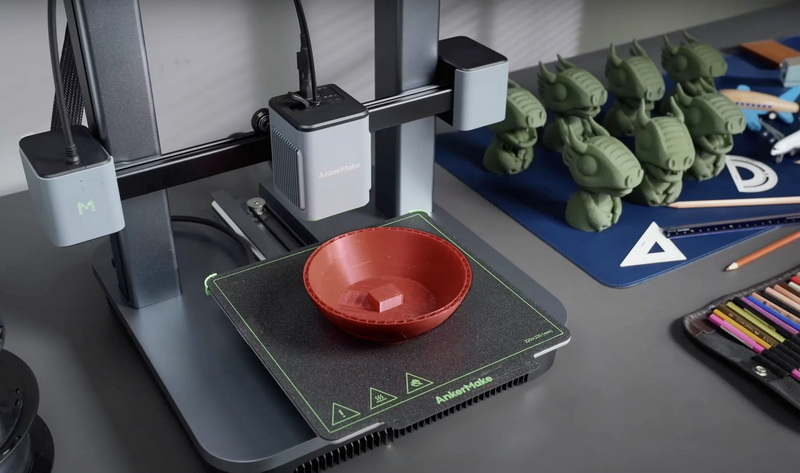
Safety begins with solid electrical connections and well-maintained components.
Check all visible wires for signs of fraying, burnt insulation, or corrosion. Pay special attention to:
- Hotend heater and thermistor cables
- Heated bed wires
- Power supply input
Loose contacts create electrical resistance, generating heat that may melt connectors or short circuits.
Remove dust from your mainboard and stepper driver heatsinks using compressed air. Ensure all wiring connectors are seated firmly and labeled properly. If your stepper drivers use heat sinks, confirm they are well-attached to prevent overheating.
A clean and properly ventilated power supply is essential for stable printer performance. Inspect the cooling fan to confirm it rotates freely. Never open or repair the PSU internally unless you're experienced — capacitors retain dangerous voltage even when unplugged.
Beyond hardware, software upkeep ensures synchronization between commands and mechanical actions.
Printer manufacturers often release firmware updates to introduce safety features or improve calibration logic. Connect your printer to a computer and flash the latest version using official instructions. Always back up configurations before updating.
After significant maintenance, resetting and recalibrating firmware parameters (steps/mm, PID tuning, bed mesh leveling) keeps performance balanced. Store updated settings once verified.
Old slicing profiles may not reflect your printer's current condition. Re-evaluate layer heights, print speeds, and temperature settings. Calibrate retraction and extrusion multipliers with fresh test prints.
Proper calibration restores dimensional accuracy and print consistency.
Manual or automatic, bed leveling ensures the first layer adheres uniformly.
1. Home all axes.
2. Adjust leveling knobs or run auto-leveling sequence.
3. Slide a paper sheet under the nozzle — resistance should feel even across the bed.
An improperly leveled bed causes adhesion problems or nozzle scraping.
Once leveling is complete, fine-tune the Z-offset to set exact nozzle-to-bed distance. Too low and the nozzle scratches; too high and the first layer detaches.
Mark 100 mm of filament near the entry point. Command the extruder to feed 100 mm. Measure leftover filament; adjust E-steps accordingly. This ensures accurate filament dispensing, improving wall thickness and infill consistency.
Run test movements on all axes and observe for unusual resistance or vibrations. Grinding sounds usually mean mechanical misalignment.
The hotend and extruder handle intense heating cycles and constant filament motion, making them high-wear components.
When print quality drops or clogs become frequent, take apart the hotend. Inspect for filament buildup, burnt residue, and irregularities in the PTFE tube. Replace damaged components with compatible spares.
In Bowden setups, the PTFE tube carries filament from extruder to hotend. Prolonged exposure to heat hardens its interior, increasing friction. Replace it periodically or use all-metal hotends that eliminate PTFE near high-temperature zones.
Use a small wire brush or toothpick to remove plastic filings between gear teeth. Proper grip ensures consistent filament feed and minimizes under-extrusion.
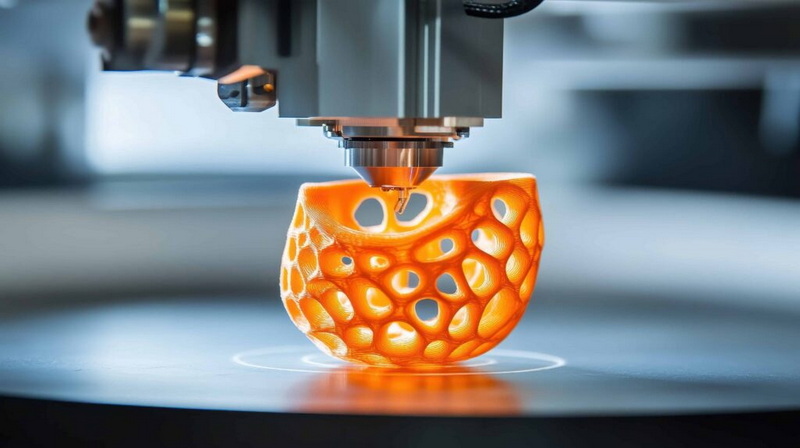
Overheating or poor thermal regulation can lead to print failure or hardware damage.
Perform PID tuning (Proportional-Integral-Derivative calibration) to stabilize temperature control. Most firmware includes an auto-tune command to optimize response time and accuracy.
If the bed temperature fluctuates or warm-up time increases, check thermistor placement and heater resistance. Replace weak heating pads with appropriate ones.
Cooling fans prevent filament from drooping and electronics from overheating. Replace noisy or slow fans immediately; reduced airflow impacts print detail and thermal safety.
If problems persist after servicing, methodical testing helps isolate the cause.
| Symptom | Possible Cause | Recommended Fix |
|---|---|---|
| Uneven first layer | Bed not leveled | Re-level bed, clean surface |
| Under-extrusion | Partial clog or E-step error | Clean nozzle, recalibrate extruder |
| Stringing | Excessive retraction or high nozzle temp | Reduce retraction, lower temperature |
| Layer shifting | Loose belts or pulley screws | Tighten belts and re-align pulleys |
| Warping | Poor bed adhesion | Clean bed, use adhesive aids or enclosure |
Establishing a routine schedule keeps small issues from escalating.
- After every 10–20 prints: Clean the bed and nozzle.
- Monthly: Lubricate rods, check belts, and tighten frame screws.
- Quarterly: Run full calibration checks, inspect cables, and clean fans.
- Annually: Replace PTFE tubes, belts, bearings, and fans if wear is visible.
Document each service date and results. Maintenance logs help track performance trends and anticipate part replacements.
Your printer's surrounding environment influences performance.
- Keep your printer in a dry, dust-free area with stable temperature.
- Store filament in airtight containers with desiccant to avoid moisture absorption.
- Avoid placing the printer under direct sunlight or near heat sources.
- If unused for long periods, cover your printer to protect against dust buildup.
A stable environment prevents humidity-related nozzle jams and warped parts.
Maintaining and servicing a 3D printer is a continuous process that rewards you with smoother, more reliable prints and fewer mechanical issues. A clean, lubricated, and calibrated printer operates like new even after thousands of hours. By incorporating routine inspections, timely part replacements, and firmware updates into your workflow, you'll achieve higher precision, longer component lifespan, and safer operation overall.
Ultimately, every hour spent on maintenance saves many hours wasted on failed prints. Treat your printer like precision equipment — because it is.
Perform a general cleaning every month and a full inspection every three to six months, depending on how frequently you print and environmental conditions.
Light mineral oil or PTFE-based greases provide smooth operation without attracting excessive dust. Avoid WD-40 as it's more of a solvent than a lubricant.
Use quality filament, keep storage dry, and clean the nozzle regularly with a cold pull or cleaning filament. Check that your printing temperature matches the material used.
No. Never open a power supply casing unless you have electronic repair experience. Instead, clean only external vents and fans with a soft brush.
Ensure the bed is level, surface is clean, and temperature settings are correct. Applying a thin coat of adhesive (like glue stick or PEI sheet) can also help.


