From idea to market-ready product, our NPI solutions make every stage easier, faster. Discover How We Help

Views: 222 Author: Tomorrow Publish Time: 2025-12-06 Origin: Site


Content Menu
● Differences Between G41 and G42 in Turning
● Setting Up Tool Radius Compensation
● Applications in CNC Turning Operations
● Advantages of Using G41 and G42
● Common Errors and Troubleshooting
● Best Practices for Implementation
● FAQ
>> 1. What is the main difference between G41 and G42?
>> 2. How do you activate G41 or G42 in a program?
>> 3. Can G41 and G42 be used for roughing operations?
>> 4. What causes common radius compensation alarms?
>> 5. Do all CNC lathes support G41 and G42 identically?
G41 and G42 are essential G-codes in CNC turning operations that provide tool radius compensation. These codes adjust the tool path to account for the cutting tool's nose radius, ensuring precise dimensions on the workpiece. In CNC turning, where parts rotate against a stationary tool, accurate compensation prevents dimensional errors from tool geometry.[1][2]
Tool radius compensation activates when the machine offsets the programmed path by the tool's radius value stored in the tool offset table. This feature simplifies programming by allowing the same code to work with tools of varying radii without recalculation. Operators benefit from reduced scrap and consistent results across production runs.[3][4]
Understanding G41 and G42 requires knowledge of turning directions and tool orientation. External turning often uses G42 for right-side compensation, while internal turning favors G41 for left-side offset. Proper implementation enhances surface finish and machining efficiency in lathe operations.[2][5]
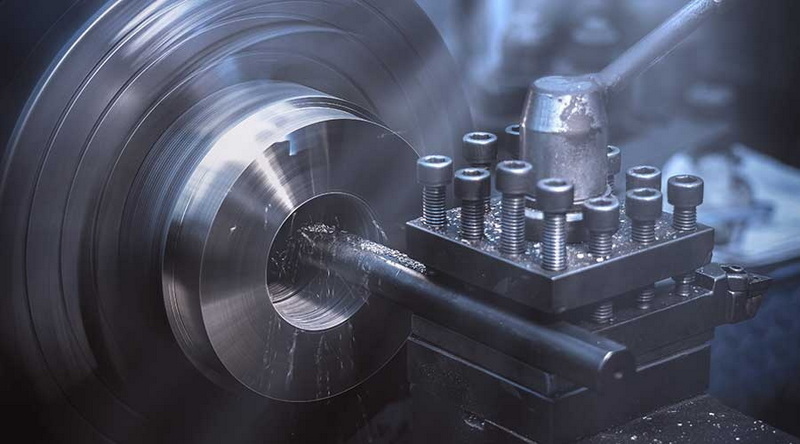
G41 compensates to the left of the programmed path, shifting the tool center leftward relative to travel direction. This applies primarily in internal turning or when the tool approaches from the right. The machine calculates offsets using the tool nose radius from the offset table, maintaining the cutting edge on the exact contour.[1][2]
G42 mirrors this by compensating to the right, ideal for external turning where the tool follows the outer profile. During right-to-left spindle rotation, G42 ensures the tool nose follows the path accurately. Both codes require activation on a linear move (G01) to initialize compensation smoothly.[5][3]
These codes work by interpreting the programmed path as the tool tip trajectory, not the center. The control adds or subtracts the radius value perpendicular to the path. This method supports complex contours, tapers, and grooves without manual path adjustments.[4][1]
The key distinction lies in compensation direction relative to tool travel. In standard CNC turning with clockwise spindle rotation, G41 suits left offsets for bores, while G42 handles right offsets for diameters. Program direction determines selection: facing left uses G42 externally, G41 internally.[2]
Tool orientation affects choice; right-hand tools on external profiles pair with G42 during roughing-to-finishing transitions. Internal profiles reverse this logic to avoid gouging. Misselecting leads to alarms or crashes, as the control expects consistent lead-in moves.[5][1]
Vector-based logic governs offsets: perpendicular shift follows the instantaneous direction. At corners, the machine arcs the tool center for smooth transitions. This ensures fillet radii match programming without overcuts.[3]
Preparation starts with measuring the tool nose radius accurately using gauges or CMMs. Enter this value into the CNC's tool offset page, typically under geometry or wear offsets. Positive values denote radius; some controls use signed conventions for tip direction.[1][2]
Program structure demands a lead-in line before G41/G42 activation. A short G01 move at rapid or feed rate allows initialization without plunge errors. Follow with the contour, ending in G40 to cancel compensation on another lead-out line.[4][2]
Offset tables store multiple tools; select via T-code with H or D modifiers for geometry/wear. Wear offsets fine-tune for tool degradation without reprogramming. Always verify offsets simulate before running.[3][5]
Profile turning dominates usage, from simple cylinders to complex splines. Compensation ensures final dimensions despite insert changes, wear, and tool radius variations. Finishing passes leverage compensation for sub-0.01 mm tolerances, critical in automotive shafts or aerospace components.[2][5]
Grooving and parting operations benefit indirectly; lead-ins and lead-outs are programmed with compensated arcs to avoid tool marks. Complex parts like valves or hydraulic fittings use chained contours where G41 and G42 switch at direction changes to maintain accurate offsets through multiple tool paths.[4][1]
Taper turning requires careful integration of arcs and linear moves. Compensation offsets normal to the taper angle, enabling precise diameters along varying slopes. This technique excels in manufacturing components where conical sections are prevalent.[3]
Precision improves significantly as tool radius compensation eliminates dimensional errors caused by tool geometry. Operators can program using nominal dimensions without recalculating tool paths for each insert radius, saving time.[1][4]
Cycle times decrease with the ability to use larger depths of cut and maintain controlled paths. Surface finishes improve due to consistent cutting engagement and reduced chatter, extending tool life and lowering costs.[5][3]
Productivity increases in batch production, with automation reducing operator intervention. Scrap rates drop as worn tools can be compensated with wear offsets, ensuring consistent quality across runs. This contributes to meeting strict ISO quality standards.[2]
Common alarms include "radius compensation without move," often caused by no proper lead-in before activating G41 or G42. The minimum recommended lead-in distance is typically 1.5 times the tool radius to avoid this error.[1]
Incorrect choice between G41 and G42 can cause gouging or tool collisions, leading to machine alarms or part damage. Dry runs or graphical simulations should be conducted to verify selection before cutting.[5][2]
Sharp corners without proper relief lead to overtravel compensation, causing the machine to attempt impossible tool positions. Adding fillets or extending lines mitigates this. Also, always cancel compensation with a lead-out using G40 paired with linear moves to avoid cancellation alarms.[4][3]
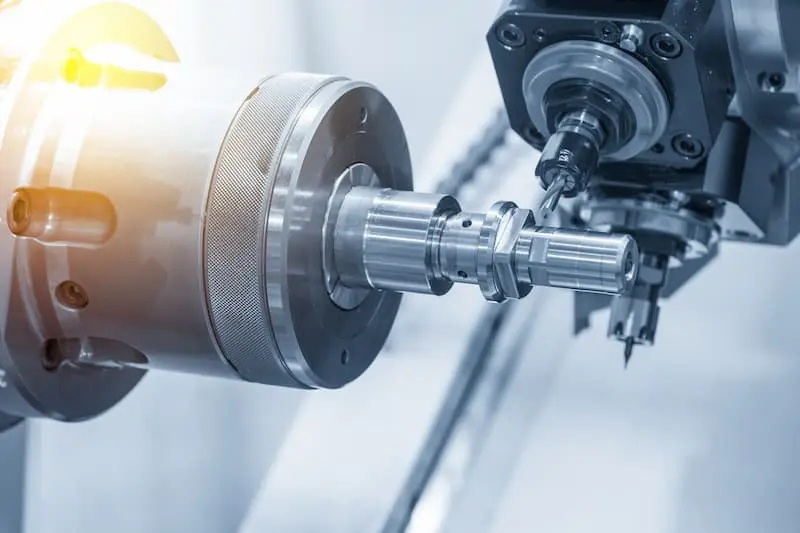
Simulate programs graphically before running live to confirm radius compensation paths. Start compensation early in the cycle—on a stable linear move—for smooth transitions.[1][2]
Keep detailed documentation of tool setups including measured radii, wear values, and tool photos. Train operators on the logic of vector directions relative to G41 and G42 compensation. Regularly calibrate measurement tools to maintain accuracy.[3]
Integrate G41 and G42 commands seamlessly with CAD/CAM program post-processing, validating generated paths. Limit compensation primarily to finishing passes where accuracy is critical; roughing can use simplified paths. Be aware of control-specific quirks such as differences between Fanuc and Haas implementations.[4][5]
Modern CNC systems support modal compensation chaining to handle multiple contours within a program. Switching between G41 and G42 mid-program facilitates complex internal-external profile machining.[3]
Parametric macros dynamically adjust tool radius compensation values by reading variables or probing data, enabling real-time tool wear management.[1]
High-speed turning interfaces with look-ahead controllers to optimize arcs and reduce cycle times while maintaining compensation accuracy. Probing cycles can update offsets in-cycle, improving as-run precision.[2]
For CNC lathes with Y-axis live tooling, G41/G42 logic extends to milling operations, enabling the production of flats, slots, or complex features on turned parts with precise compensated paths.[2]
Always ensure a full retract before activating or canceling compensation to avoid collisions. Use conservative feed rates during compensation activation. Lock tool radius offsets programmatically during machining to prevent accidental modification.[4][5]
Unexpected emergency stops during compensation modal states may leave the controller in offset mode. Operators should reset with a G40 command before restarting.[1]
Verify correct spindle rotation direction to match programmed compensation. Utilize machine software limits and mechanical stops for overtravel protection during compensated moves.[1]
G41 and G42 transform CNC turning by automating tool radius compensation and ensuring dimensional accuracy during complex machining operations. Mastery of these codes in setup, program structuring, and error handling leads to superior part quality, reduced scrap, enhanced productivity, and consistent machining results. Their correct application is indispensable for modern CNC turning precision.[2][3][1]
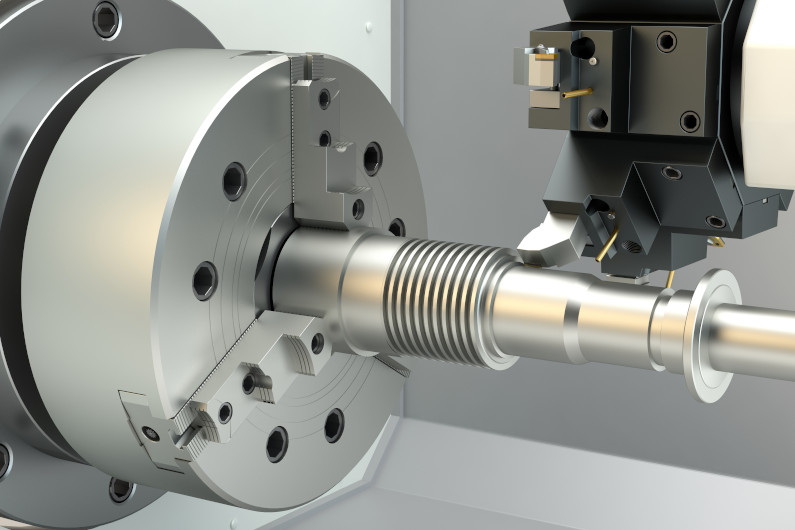
G41 provides left-side compensation relative to tool travel, suiting internal turning, while G42 offers right-side compensation for external profiles. Selection depends on approach direction and spindle rotation.[2]
Insert the code after a lead-in G01 move, referencing the D or H offset number corresponding to the tool's radius. Cancel the compensation with G40 on a lead-out line to avoid alarms.[5][1]
They are primarily intended for finishing to achieve precision, but they can be used during roughing with caution to avoid sharp corners and reduce overtravel risks.[4][3]
Symptoms like alarms arise from insufficient lead-in lengths, no motion after activating compensation, mismatched directions, or missing cancellations. Simulation is essential to spot issues before cutting.[2]
Most Fanuc and Haas controls support them, but differences exist in signed radius handling, mode persistence, and command syntax. Always consult the machine's documentation for specifics.[5][1]
[1](https://www.longshengmfg.com/how-g41-and-g42-use-in-cnc-turning/)
[2](https://www.jtrmachine.com/how-to-use-g41-and-g42-in-cnc-turning)
[3](https://www.sigmatechnik.com/cnc-factory/understanding-the-application-of-g41-and-g42-in-cnc-turning-a-comprehensive-guide)
[4](https://www.longshengmfg.com/g41-and-42-in-cnc-turning-introduceoperationuse/)
[5](https://www.dahong-parts.com/info/how-to-use-g41-and-g42-in-cnc-turning-102952122.html)


