From idea to market-ready product, our NPI solutions make every stage easier, faster. Discover How We Help

Views: 222 Author: Tomorrow Publish Time: 2026-01-11 Origin: Site


Content Menu
● The Role of 3D Drawings in CNC Machining
● From 3D Drawing to CNC Code: Step-by-Step Workflow
>> 1. Concept Design and CAD Modeling
>> 2. Material Selection and Model Optimization
>> 3. File Conversion to Neutral Format
>> 4. Toolpath Generation with CAM Software
>> 5. Post-Processing and G-Code Output
>> 7. Machining and Real-Time Monitoring
>> 8. Finishing and Inspection
● Advantages of Using 3D Drawings for CNC Machining
● Common Software for 3D Modeling and CNC Integration
● File Formats and Data Transfer
● Real-World Example: 3D Modeling for Aerospace Components
● Why 3D Drawings Are the Future of CNC Machining
● Best Practices for Using 3D Drawings in CNC Machining
● Environmental and Economic Impact of 3D-Based CNC Operations
● FAQ
>> 1. What file format should I use for CNC machining?
>> 2. Can 2D drawings still be used for CNC production?
>> 3. Which CAD/CAM software is best for CNC beginners?
>> 4. How accurate are modern CNC machines using 3D models?
>> 5. How long does it take to process a 3D model into machine-ready G-code?
CNC (Computer Numerical Control) machining and 3D drawing together form the backbone of modern, precision-driven manufacturing. Whether you are designing a prototype or producing a custom industrial component, the synergy between digital modeling and computer-controlled machining ensures quality, efficiency, and repeatability.
But a common question arises among designers and engineers: Can I use 3D drawings directly for CNC machining? The short answer is yes—and in most cases, it's the best choice. However, making the most out of a 3D drawing means understanding how digital designs translate into real-world parts, what software and file formats are involved, and how to overcome common integration issues.
This article explores those aspects in depth, giving you a comprehensive understanding of how 3D drawings drive CNC manufacturing and how to use them effectively in your workflow.
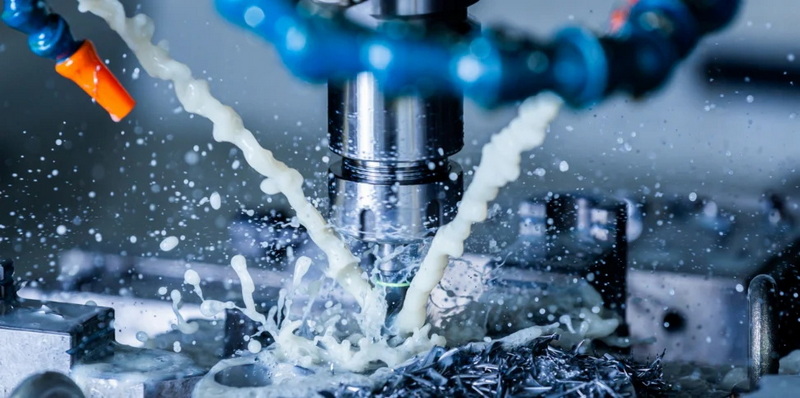
CNC machining is an automated manufacturing process where digital commands guide the movement and function of cutting tools. Instead of manually operating mills or lathes, CNC machines follow pre-programmed instructions that carry out precise operations on metals, plastics, or composites.
This process relies heavily on G-code, a universal programming language for machines. G-codes define tool paths (where to move), feed rates (speed of movement), and cutting depths. M-codes, on the other hand, control actions like tool changes, coolant flow, or spindle stop/start.
A basic CNC operation sequence includes:
- Importing a digital model into the control software.
- Generating toolpaths based on the 3D geometry.
- Creating G-code instructions.
- Calibrating tools and material setup.
- Automating the production of the part with extreme precision.
Because every command originates from a CAD model, 3D drawings play a crucial role in how accurately the final piece replicates its digital twin.
3D drawings serve as the bridge between imagination and manufacturing reality. Instead of relying solely on traditional 2D blueprints—where machinists must interpret dimensions and hidden lines—3D models describe the entire part in digital space, capturing every curve, hole, and tolerance.
These models carry crucial details about:
- Geometric Shape: Defines the contour, thickness, radii, and hole placements.
- Dimensional Accuracy: Specifies tolerances that control how tight or loose part fits can be.
- Surface Texture: Guides finishing processes like polishing or coating.
- Assembly Relationships: Shows how each part interacts within a larger structure.
3D drawings eliminate ambiguity by enabling machinists to see the part exactly as it should appear post-manufacture. This level of clarity significantly improves quality control and communication between design and production teams.
Transitioning from a digital concept to a machined component follows a standardized workflow involving both design and engineering stages.
Engineers begin with creating a 3D model using CAD software such as SolidWorks, Siemens NX, or Fusion 360. The geometry reflects every detail—fillets, threads, chamfers, and holes.
Before conversion, designers ensure the model's dimensions align with material properties. For example, a high-hardness steel may require slower tool speeds and thicker support walls.
The CAD model is saved in a universal format such as STEP or IGES, which preserves geometry and metadata. This allows different CAM systems to read and interpret the design.
In CAM software, the operator sets machining parameters like speed, feed rate, and tool type. The software automatically generates toolpaths—optimized cutting routes that avoid collisions.
Once toolpaths are validated, post-processor scripts convert them into G-code customized for a specific CNC machine model (e.g., Fanuc, Haas, Mazak).
The machinist loads the G-code, fixes the material stock, and aligns the machine's coordinate system. Workholding devices such as vises, fixtures, or rotary tables secure the part during operations.
The CNC executes programmed movements. Operators often monitor coolant flow, tool wear, and vibration to maintain quality.
After machining, parts undergo deburring, surface finishing, and dimensional inspection using tools like micrometers or Coordinate Measuring Machines (CMM).
Following this workflow ensures consistency—from the digital model to the physical part—across industries like aerospace, automotive, energy, and medical manufacturing.
The adoption of 3D drawings in machining environments has reshaped industrial efficiency. Here are key benefits that showcase their impact:
- Unambiguous Design Communication: 3D visualization reduces interpretation errors. Machinists can view complex geometries from any angle.
- Precision and Repeatability: Directly linking geometry to G-code ensures accurate machining without relying on manual drafting conversions.
- Reduced Setup Time: CAM integration streamlines toolpath creation, minimizing programming errors.
- Design Flexibility: Engineers can quickly modify parameters (e.g., thickness or diameter) and regenerate new toolpaths without redrawing the entire part.
- Fewer Prototypes Needed: Virtual simulations predict machining outcomes, lowering material waste and cost.
- Supports Complex Components: Multi-axis CNC machines depend on 3D geometry to execute intricate tool motions along curved surfaces.
In industries like aerospace or orthopedics—where tolerance deviations of even 0.02 mm can cause performance failure—3D-driven CNC processing ensures dependable quality.
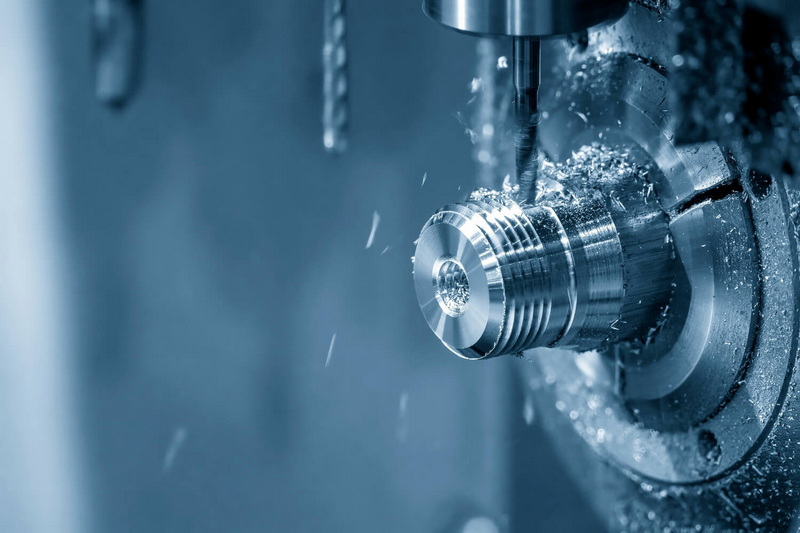
The combination of CAD and CAM systems underpins the seamless flow of data between design and production. Some leading tools in this space include:
- Autodesk Fusion 360: Integrates CAD, CAM, and CAE in one environment, suitable for startups and professional shops alike.
- SolidWorks: Offers robust part and assembly modeling; widely used for mechanical engineering and product design.
- CATIA: Developed by Dassault Systèmes, CATIA dominates aerospace and automotive industries for multi-axis machining.
- Mastercam: The most recognized CAM platform, providing advanced toolpath optimization and dynamic motion control.
- Siemens NX: Targets high-end production with strong simulation features, generative design, and additive-subtractive integration.
The ideal solution depends on project complexity, required precision, and available hardware.
File format compatibility often determines whether a 3D model can be accurately translated into a machine-ready file. Common file types include:
- STEP (.stp, .step): Best for parametric solid models; highly compatible and preserves all dimensions precisely.
- IGES (.igs): Older, lighter format ideal for surface geometry.
- STL (.stl): Mesh-based and primarily used for 3D printing but sometimes applicable for complex CNC surfacing.
- Parasolid (.x_t): Excellent precision for solid kernels used in Siemens and SolidWorks environments.
- DXF (.dxf): Used mainly for 2D contouring, laser cutting, and engraving operations.
To maximize transfer accuracy, always verify model scale, coordinate orientation, and unit consistency before file export.
Consider an aerospace manufacturer producing a titanium turbine blade. Using a detailed 3D model, engineers can simulate machining forces, tool deflection, and cooling behavior before production begins.
CAM software interprets every surface and contour from the 3D drawing, automatically creating multi-axis paths that ensure each curve meets aerodynamic precision. With the integration of force feedback sensors and real-time error correction, the CNC machine executes operations with nanometer-level adjustments.
Without this 3D-to-CNC workflow, reproducing complex organic geometries like blade twists, internal channels, or weight-balanced hubs would be nearly impossible.
While 3D modeling vastly improves CNC machining accuracy, challenges still exist:
1. Compatibility Issues: Not all software suites exchange data without geometry errors or missing surfaces.
2. Overly Complex Models: Over-detailed CAD files can slow machine processing and require simplification.
3. Skills and Training: Effective integration demands both design expertise and familiarity with machining physics.
4. Cost of Setup: Licenses for professional 3D and CAM software can exceed tens of thousands of dollars annually.
5. Tolerance Misunderstandings: 3D models might omit GD&T (Geometric Dimensioning and Tolerancing) data, leading to misinterpretations of critical fits.
Overcoming these limitations involves maintaining standard file-naming conventions, verifying geometry integrity, and bridging communication between engineers and machinists at early design stages.
The growth of smart manufacturing—also known as Industry 4.0—has positioned 3D drawings at the center of digital production. They serve as digital twins, representing every physical property and assembly relationship of a product.
Future CNC systems are evolving into *adaptive machining systems* that can automatically correct cutting errors using real-time feedback from 3D scanning or AI-assisted sensors. These self-learning systems rely entirely on precise digital geometry provided by 3D drawings.
Moreover, the convergence of additive manufacturing (3D printing) and subtractive machining (CNC milling) now allows hybrid machines to create and refine parts using a single combined process—all driven by the same 3D CAD source file.
As industries transition toward smart, data-connected manufacturing lines, 3D drawing files are no longer optional—they are essential for collaboration, automation, and sustainability.
To ensure reliable output and efficiency, adopt these professional best practices:
- Simplify geometry when possible. Avoid unnecessary detailing that may complicate machining paths.
- Define tolerances and annotations directly in the 3D file. This allows machines and inspectors to work from the same dataset.
- Verify units and coordinate alignment before exporting to CAM—misaligned axes can lead to wasted material.
- Simulate toolpaths in CAM software. Run pre-machining simulations to check for collisions or surface gouging.
- Control revision history. Maintain a clear versioning system to prevent outdated models from being used in production.
- Collaborate early. Involve machinists during design so potential manufacturability issues can be corrected in the CAD phase.
Implementing these habits ensures smoother CNC integration and consistent quality across multiple production runs.
3D-driven CNC machining also contributes to sustainability goals by cutting waste. Having accurate models means engineers can simulate tool usage, select optimized toolpaths, and minimize material removal.
For example, airframe component manufacturers report up to 25% material savings by moving from 2D design packages to 3D-integrated CNC workflows. Additionally, reduced rework and error elimination shorten machining times, leading to significant energy savings over large-scale operations.
From an economic perspective, streamlined communication and error reduction lower overall manufacturing costs while enabling flexible production for on-demand customization.
So, can you use 3D drawing for CNC machining? The answer is a resounding yes. In fact, the entire ecosystem of modern manufacturing relies on it. 3D drawings are not just helpful—they are the fundamental blueprints for machine-readable production.
They provide geometric precision, enable automation, and ensure design integrity from concept to completion. When integrated with advanced CAM systems and adaptive feedback technology, 3D modeling turns CNC machining into a powerful, intelligent, and sustainable production method.
From aircraft fuselages to micro-medical implants, 3D data ensures each machined part reflects its digital design to near perfection—paving the path to smarter manufacturing systems worldwide.
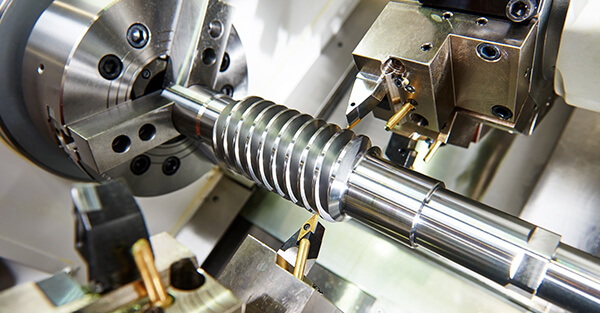
STEP (.stp) is the most reliable format for CNC machining, as it maintains both solid geometry and tolerance data across different software platforms.
Yes, but they are limited to simple shapes or profiles. Complex 3D geometries require 3D modeling to define contours, curves, and surface details accurately.
Autodesk Fusion 360 is ideal for learning because it combines modeling, CAM programming, and simulation in a single, intuitive package.
Advanced 5-axis CNC machines achieve tolerances as tight as ±0.001 inches (±0.025 mm), depending on tool wear and material hardness.
The time varies between 1 to 6 hours, depending on model complexity, surface features, and simulation needs. For simple parts, the process can be completed in under an hour.


